
Registering a Program for TCDA Zorts Verification
Before You Begin
Complete this process using a web browser on a computer. Do not use the Zorts mobile app.
Step 1: Create or Log In to Your Zorts Account
Open your web browser and go to www.zortssports.com.
If you already have a Zorts account, click Sign In and log in using your email address and password.
If you do not have a Zorts account, click Sign Up and create your account. Once your account has been created, sign in to continue.
Step 2: Register Your Program
Open the TCDA Program Registration link:
https://www.zortssports.com/join/league/26754Click Register Team.
Enter your Program Name exactly as it appears on your TCDA registration.
Upload your program logo if desired. This step is optional.
Enter your program's city and state.
Step 3: Add Your Teams and Divisions
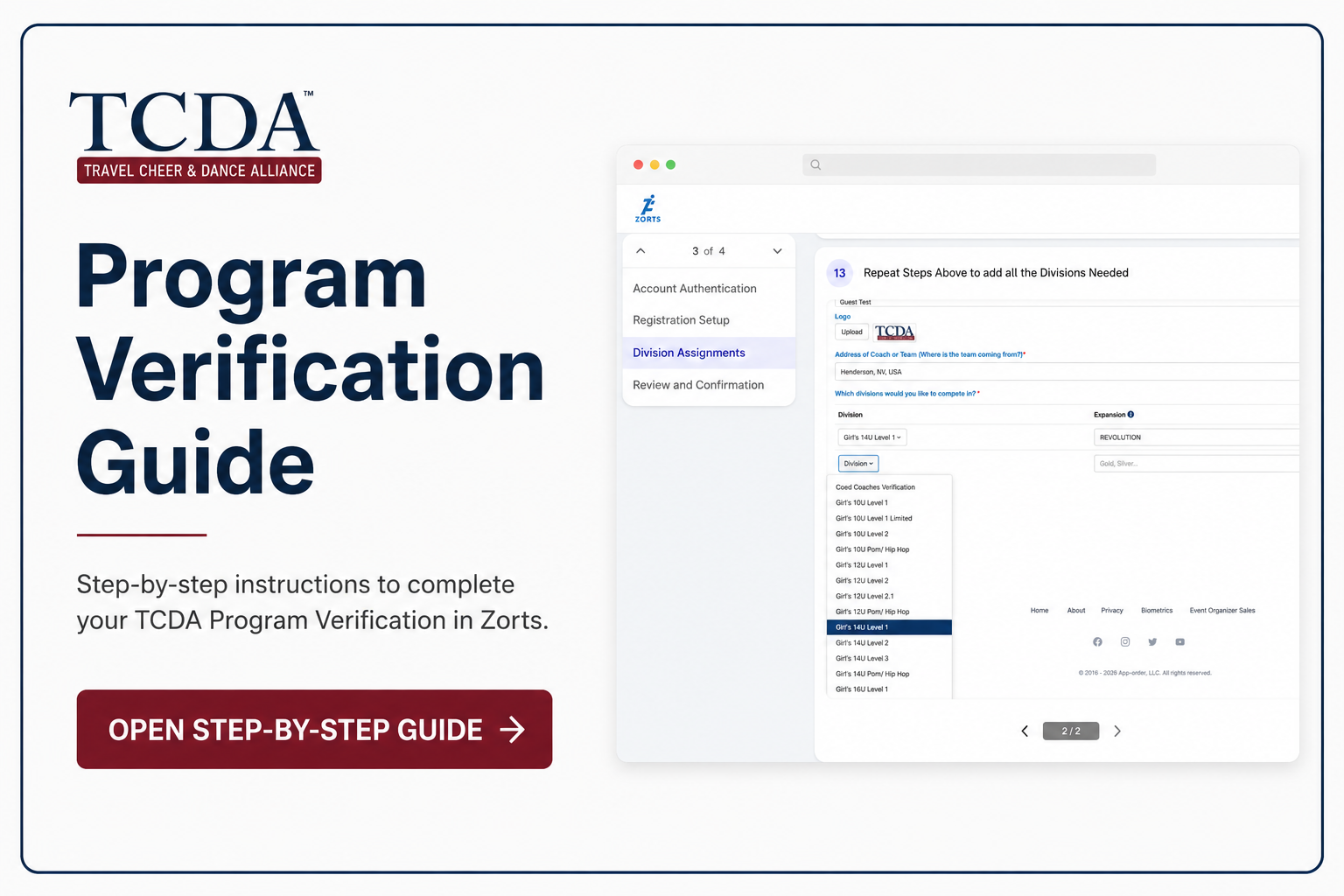
Select the appropriate division from the drop-down menu.
Enter the Team/Routine Name exactly as it should appear (for example: Blaze, Sparkle, or Vogue).
If your program has additional teams competing in other divisions, click Add Team/Division.
Repeat Steps 9–11 until every team and division for your program has been added.
After confirming all teams and divisions have been entered, click Next.
Step 4: Complete Registration
Review the registration summary. The total due should display $0.00. Click Continue.
On the receipt page, click Continue to complete your registration.
Your program registration is now complete. You may log out of your account. No further action is required until you receive a confirmation email from the Zorts team with instructions for the next steps.